
Features
A parametric modeler that's quick to learn and precise when it counts.
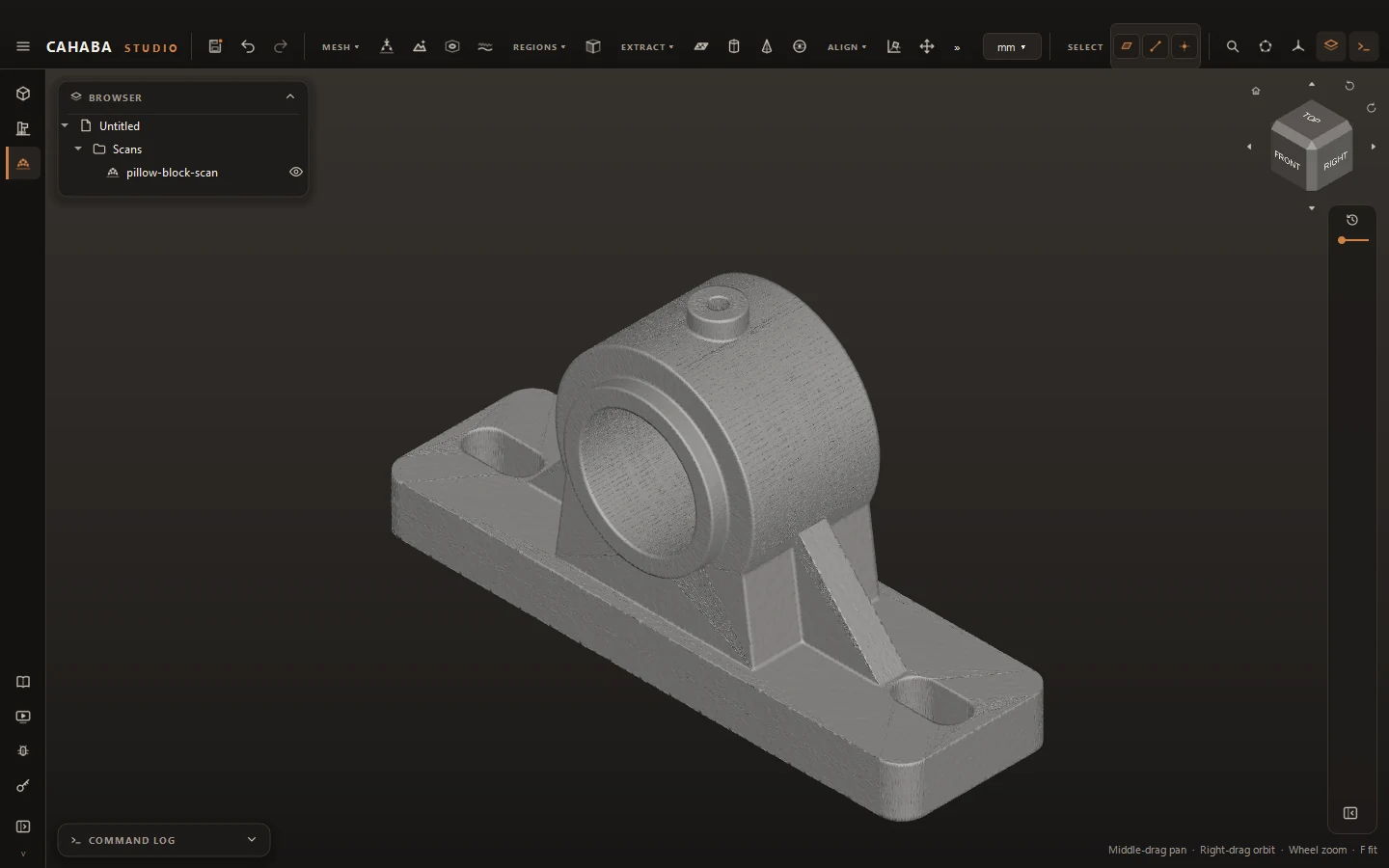
Bring in a scan
Open the mesh or point cloud from your 3D scanner (STL, OBJ, PLY), then clean it up: fill holes, drop stray pieces, smooth and thin it.
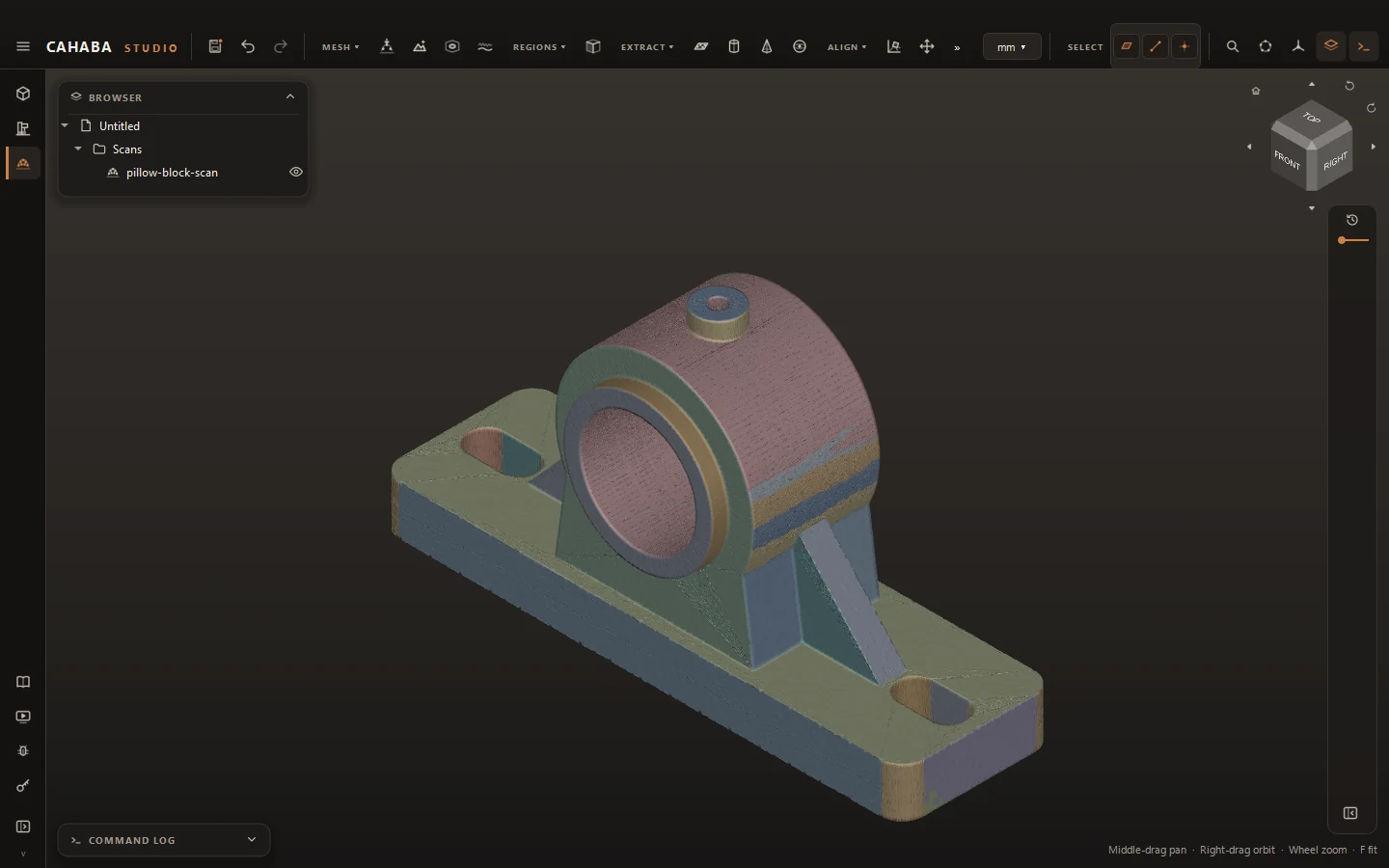
Find its faces
Auto Regions sorts the scan into planes, cylinders, cones and spheres, so you pick whole faces instead of triangles.
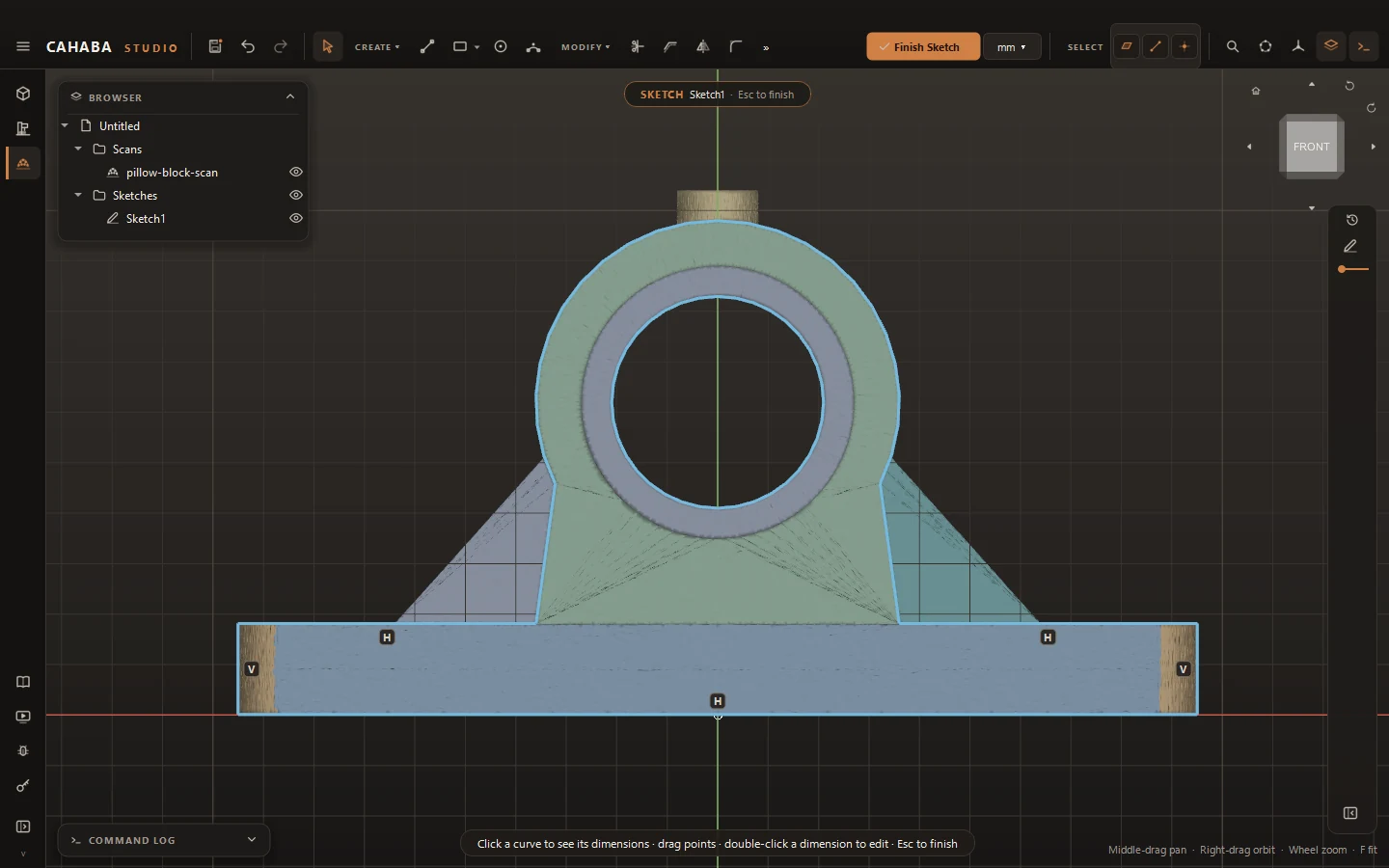
Sketch from sections
Cut the scan on any plane and get a sketch of fitted lines, arcs and circles to dimension and extrude.
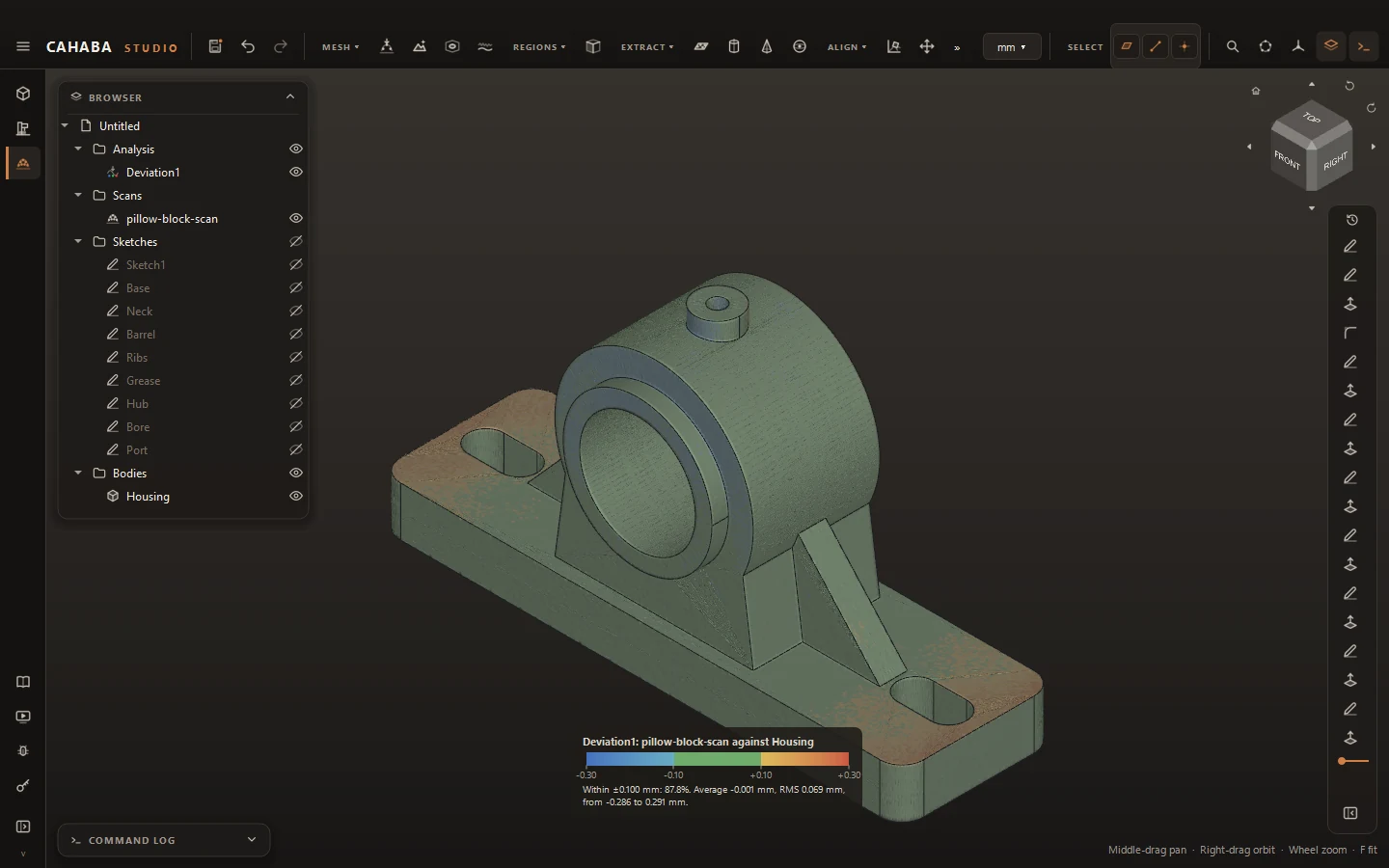
Check your work
A deviation map colors the scan by how far it sits from your model, with the share inside tolerance.
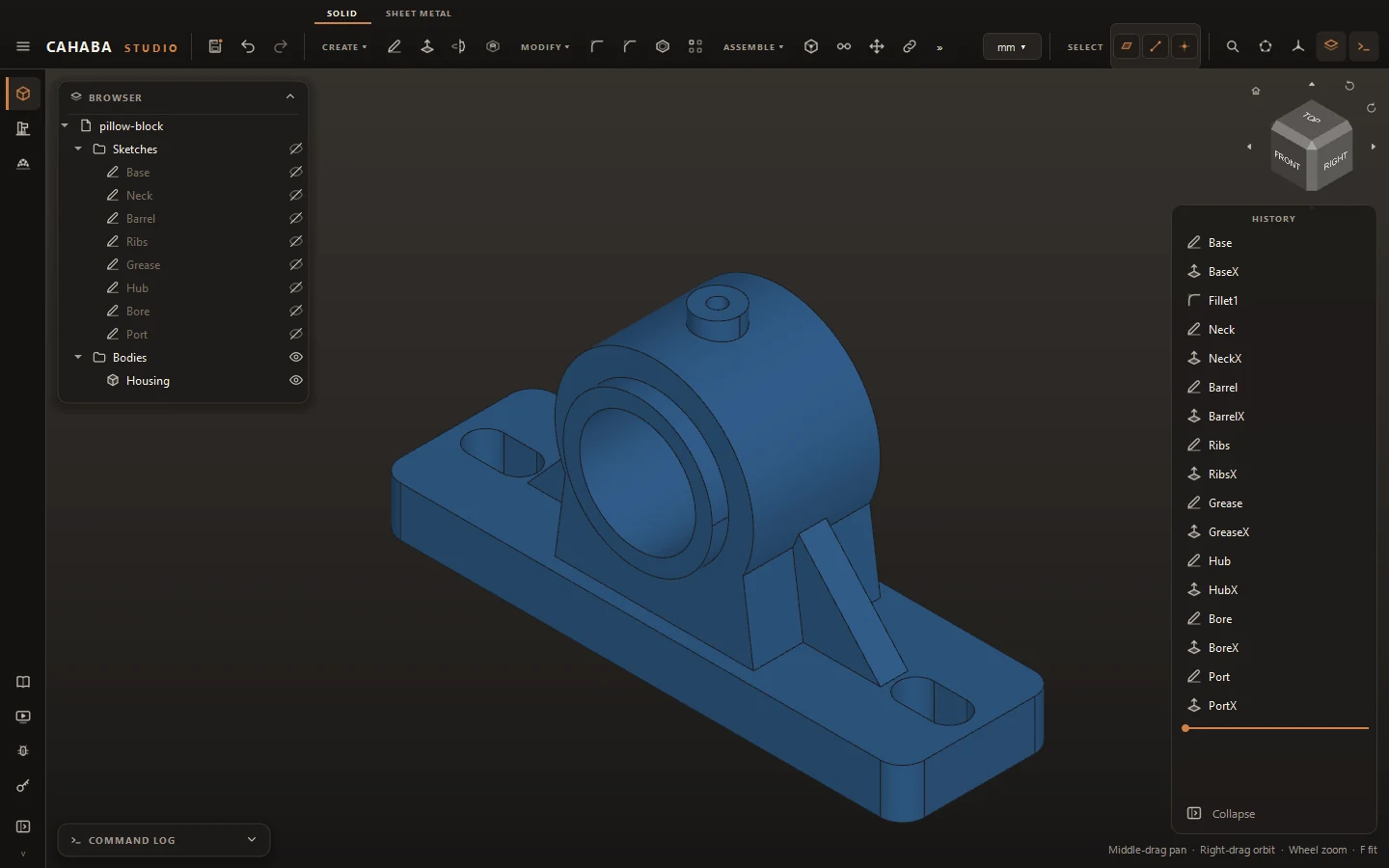
Feature history
Extrude, revolve, sweep, loft, fillet, chamfer, shell, holes, threads and patterns, all editable after the fact.
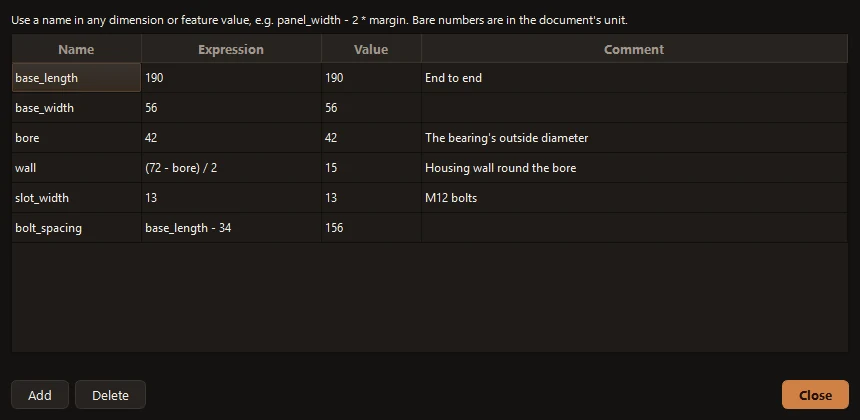
Named parameters
Define wall = 3mm once and use it everywhere. Values keep the expression you typed and follow when it changes.
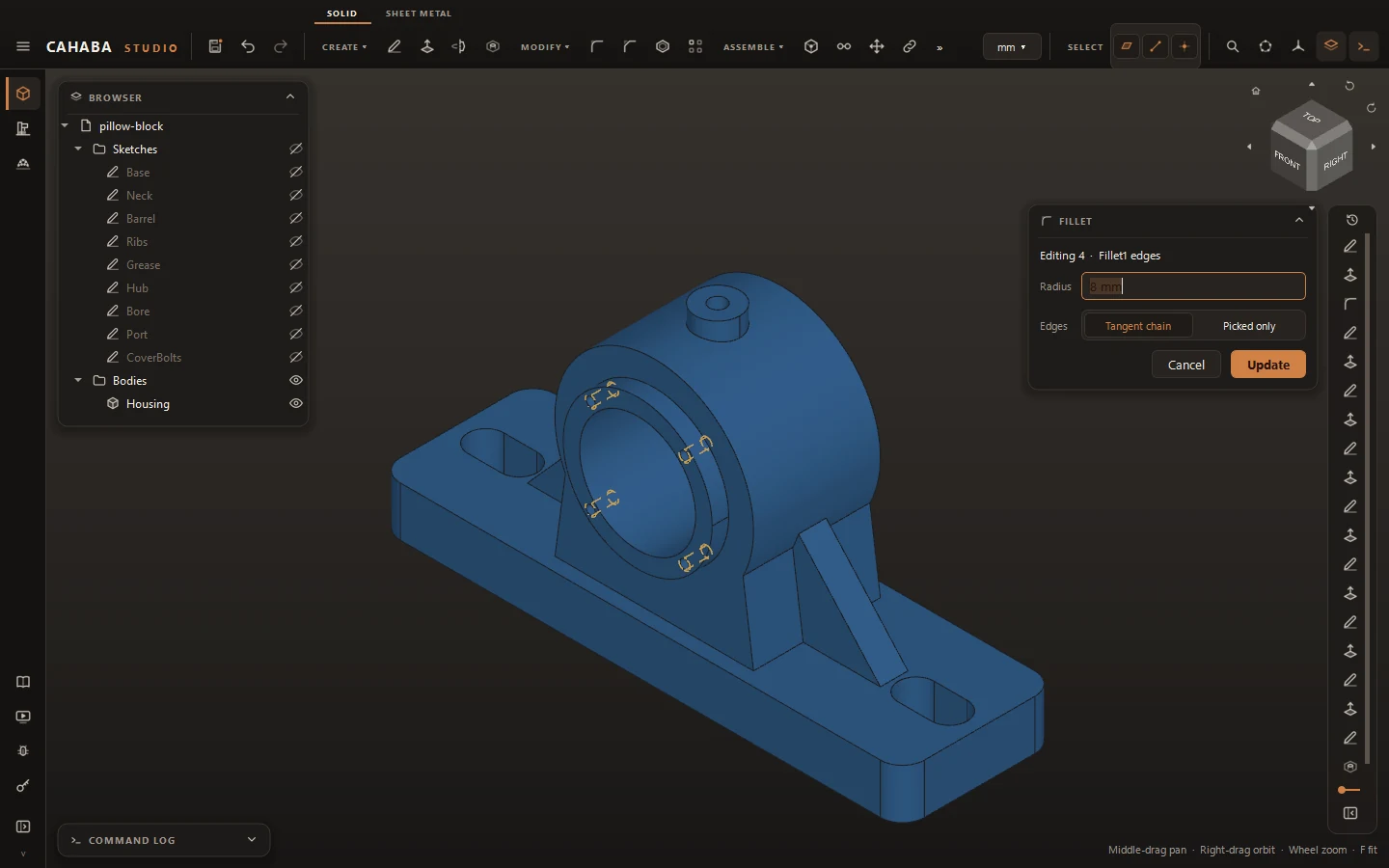
Stable references
Faces and edges are named by the features that made them, so downstream features survive upstream edits.
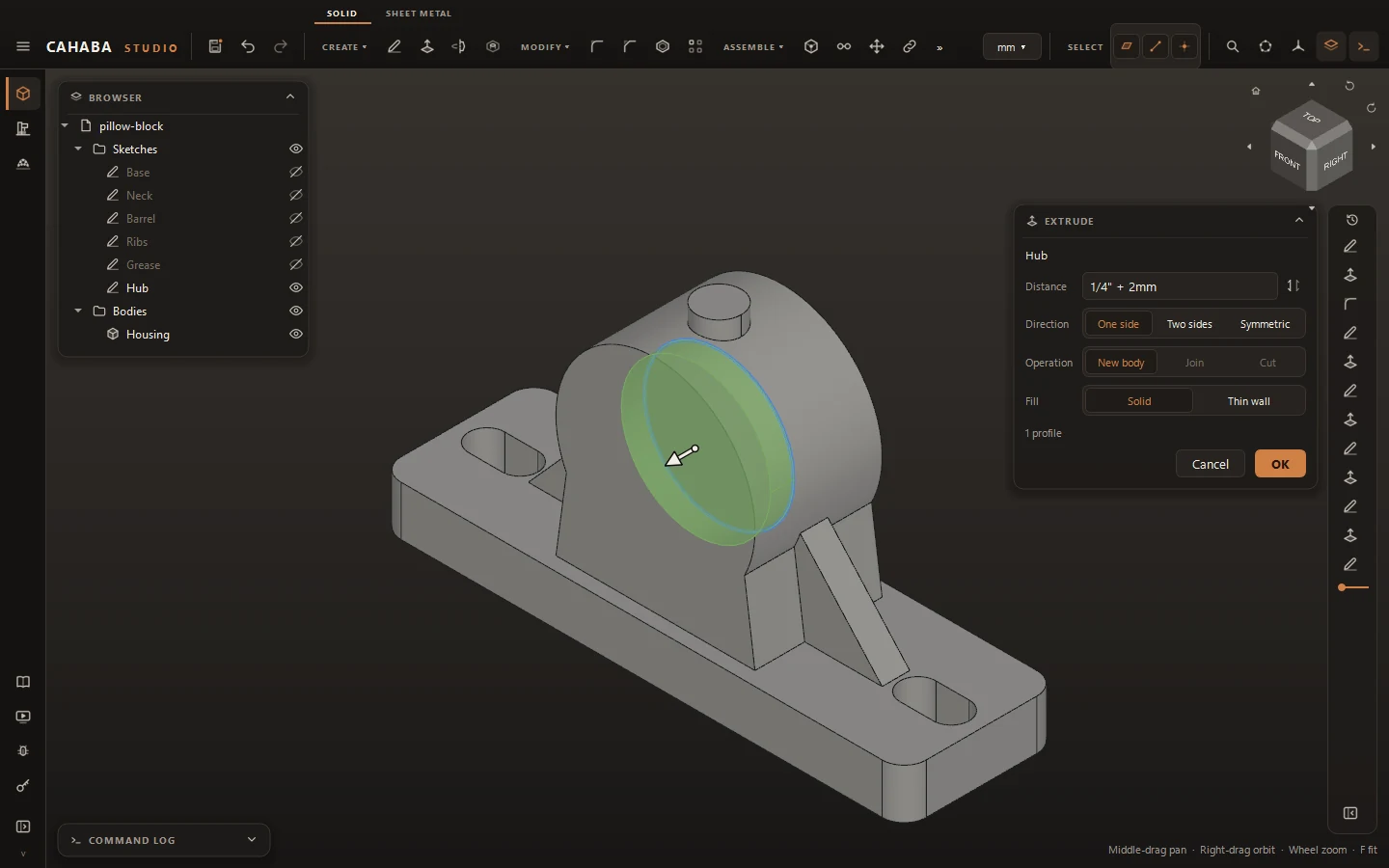
Units that mix
Work in millimetres or inches and type either: 1/4" + 2mm is a valid length.
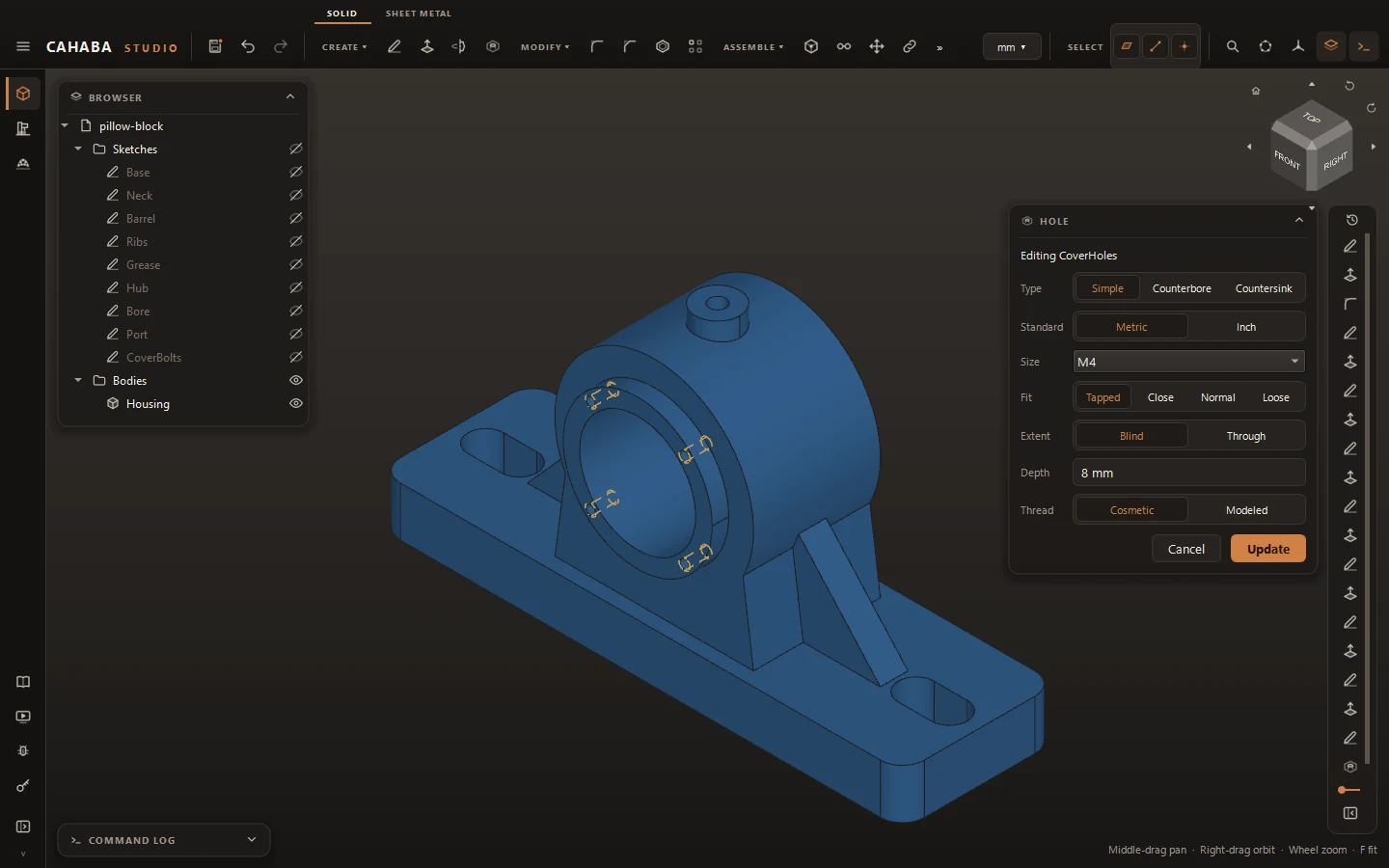
Holes and threads
Counterbores, countersinks and tap drills from the standards; ISO metric, UNC and UNF threads, cosmetic or modeled.
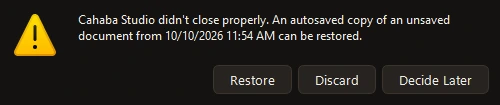
Autosave and recovery
Work is saved a minute after each change, restored after a crash, and the last 10 saves are kept.
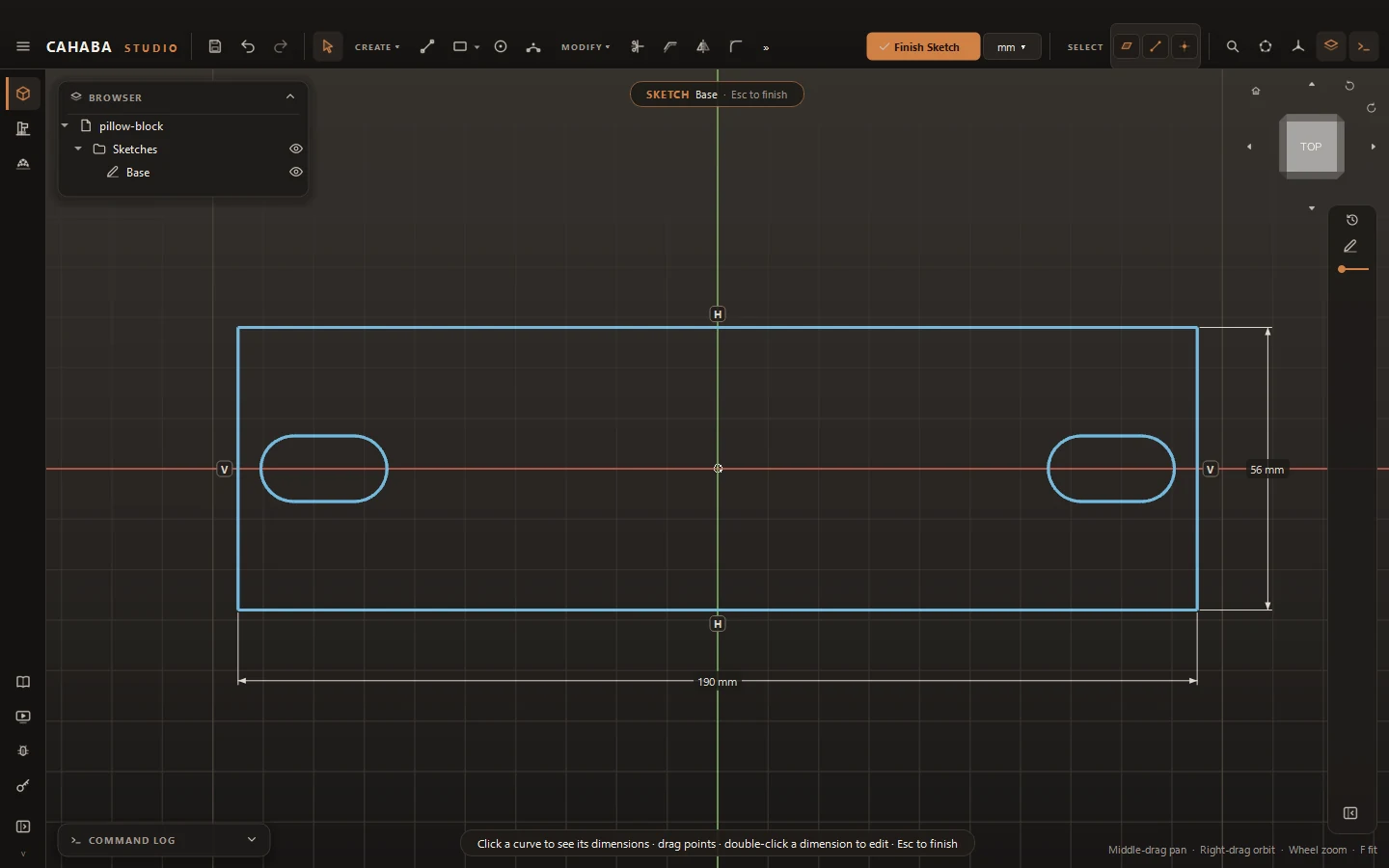
Live constraint solver
Coincident, tangent, parallel, equal, symmetric and dimensions, solved as you drag.
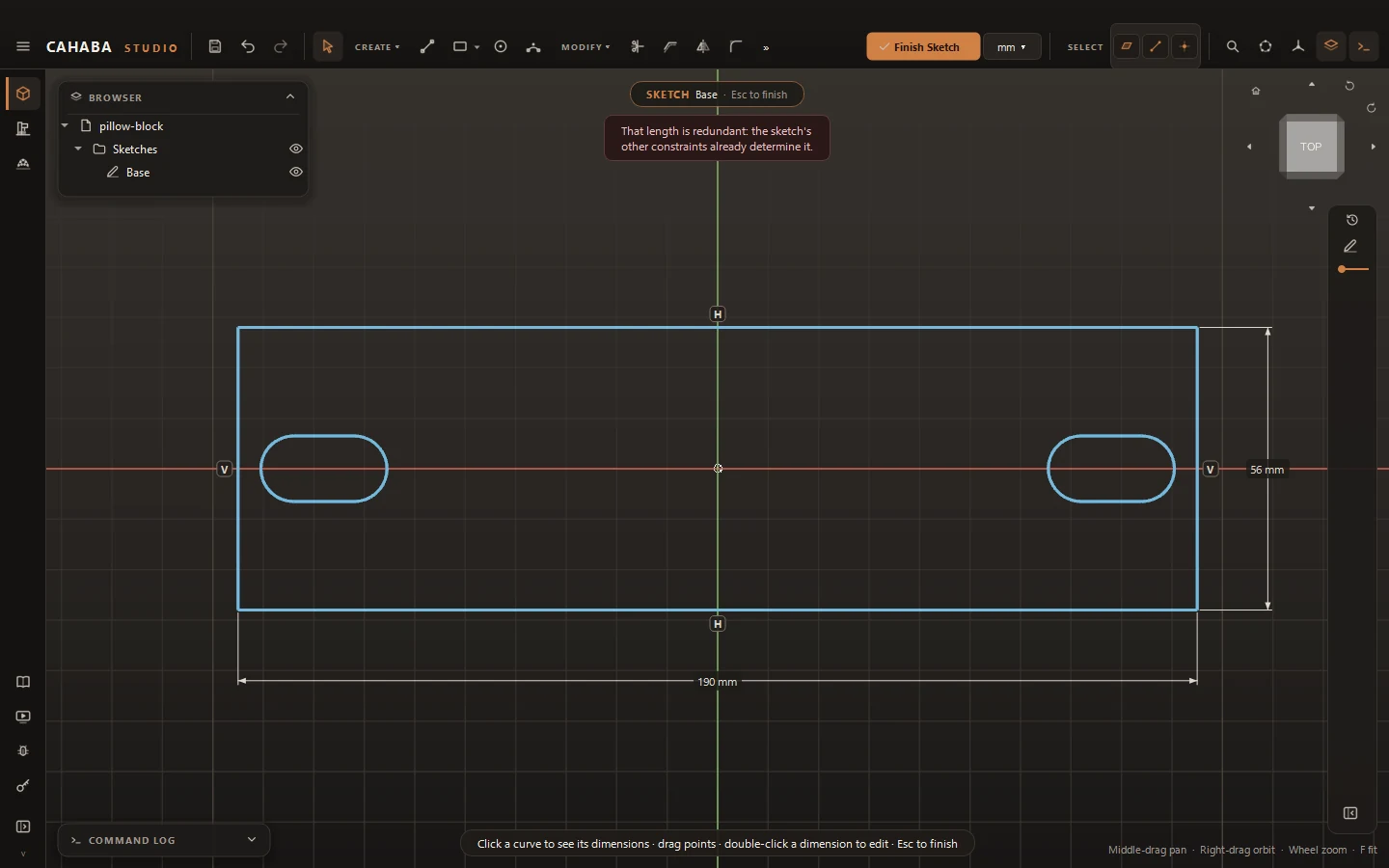
Clear feedback
See degrees of freedom at a glance; conflicting or redundant constraints are refused with a reason.
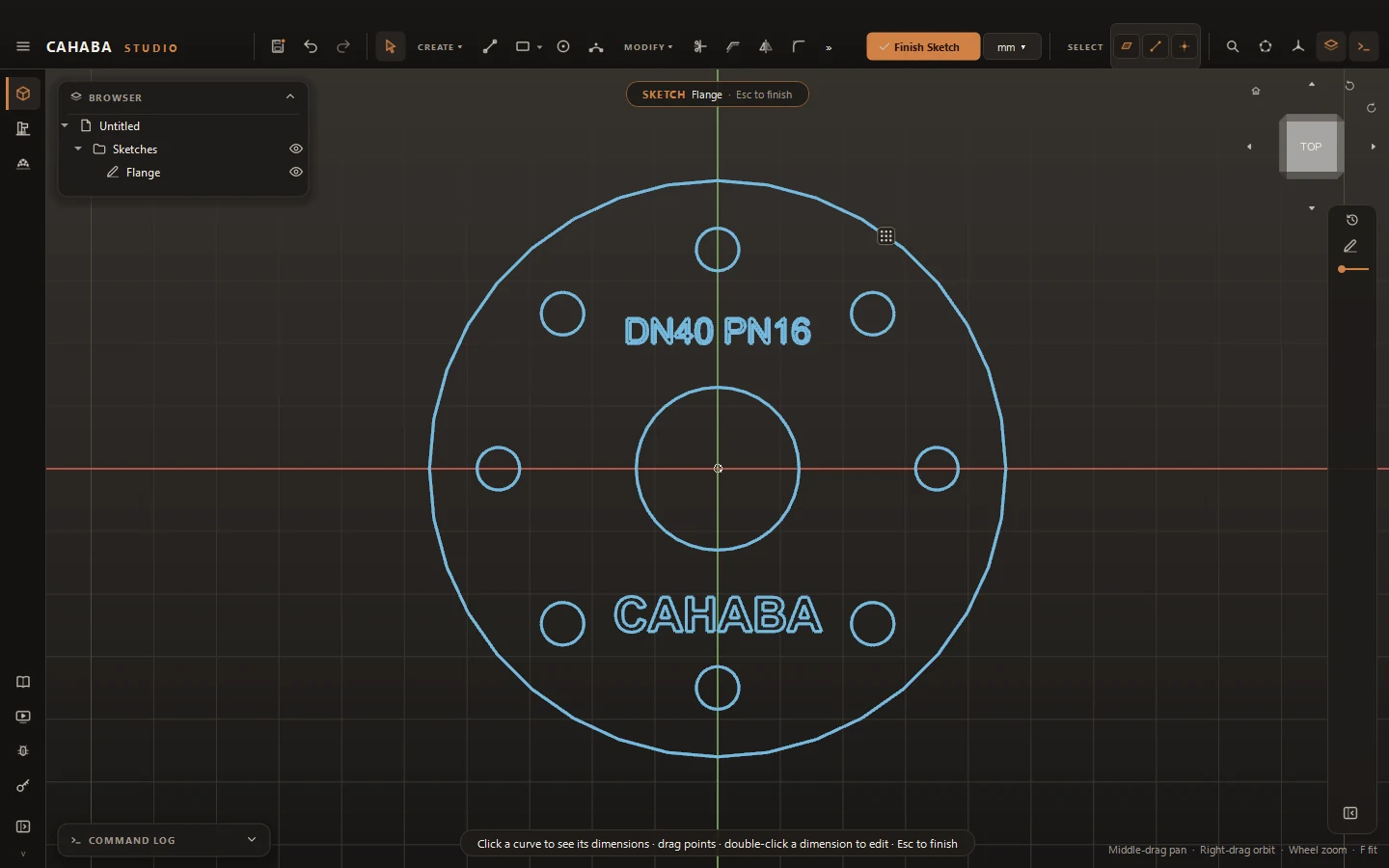
Text and patterns
Sketch text, convert it to outlines, and pattern sketch geometry along lines, circles or paths.
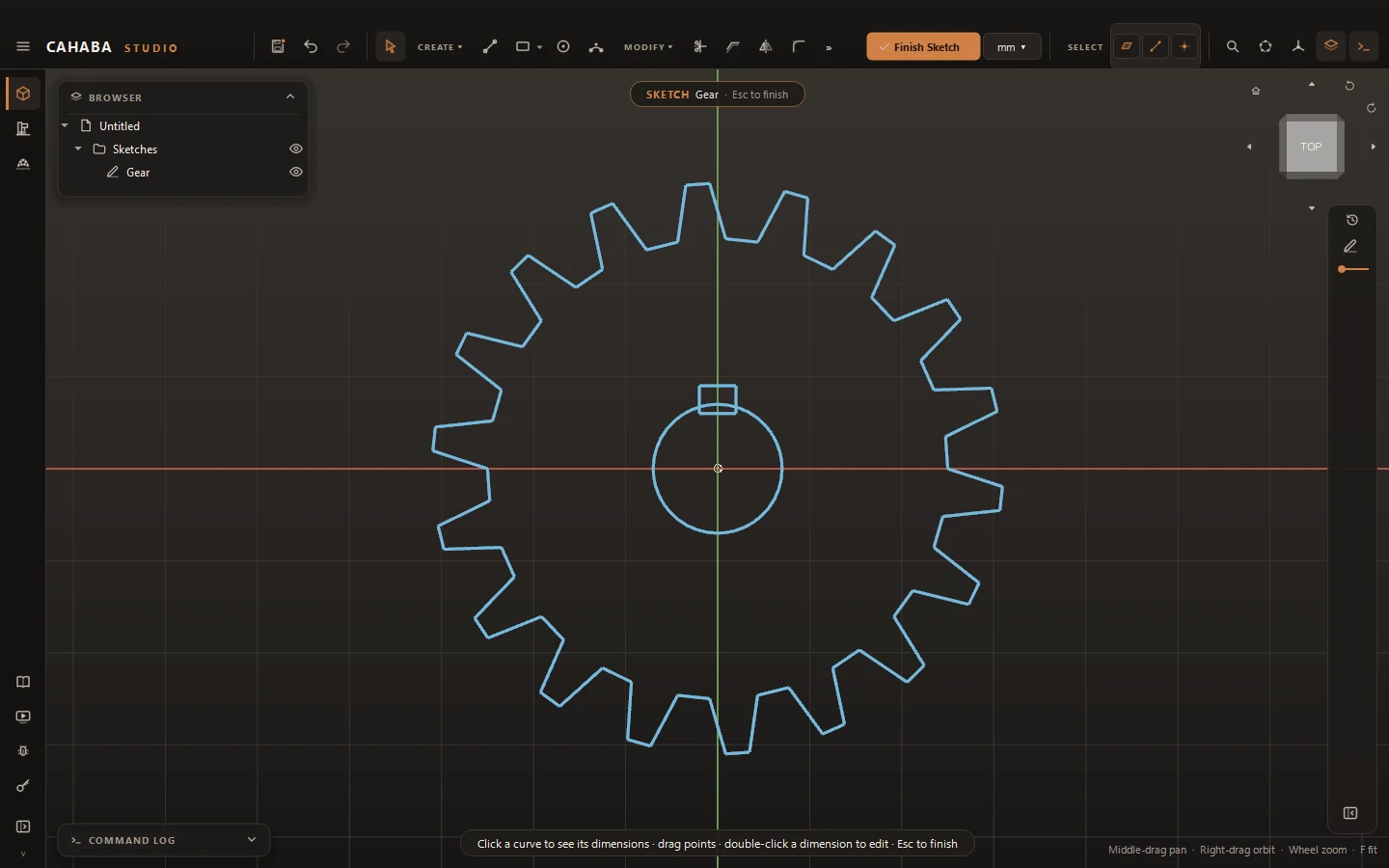
Import 2D drawings
Bring SVG, DXF, Illustrator and PDF artwork into a sketch, scaled and placed with a preview.
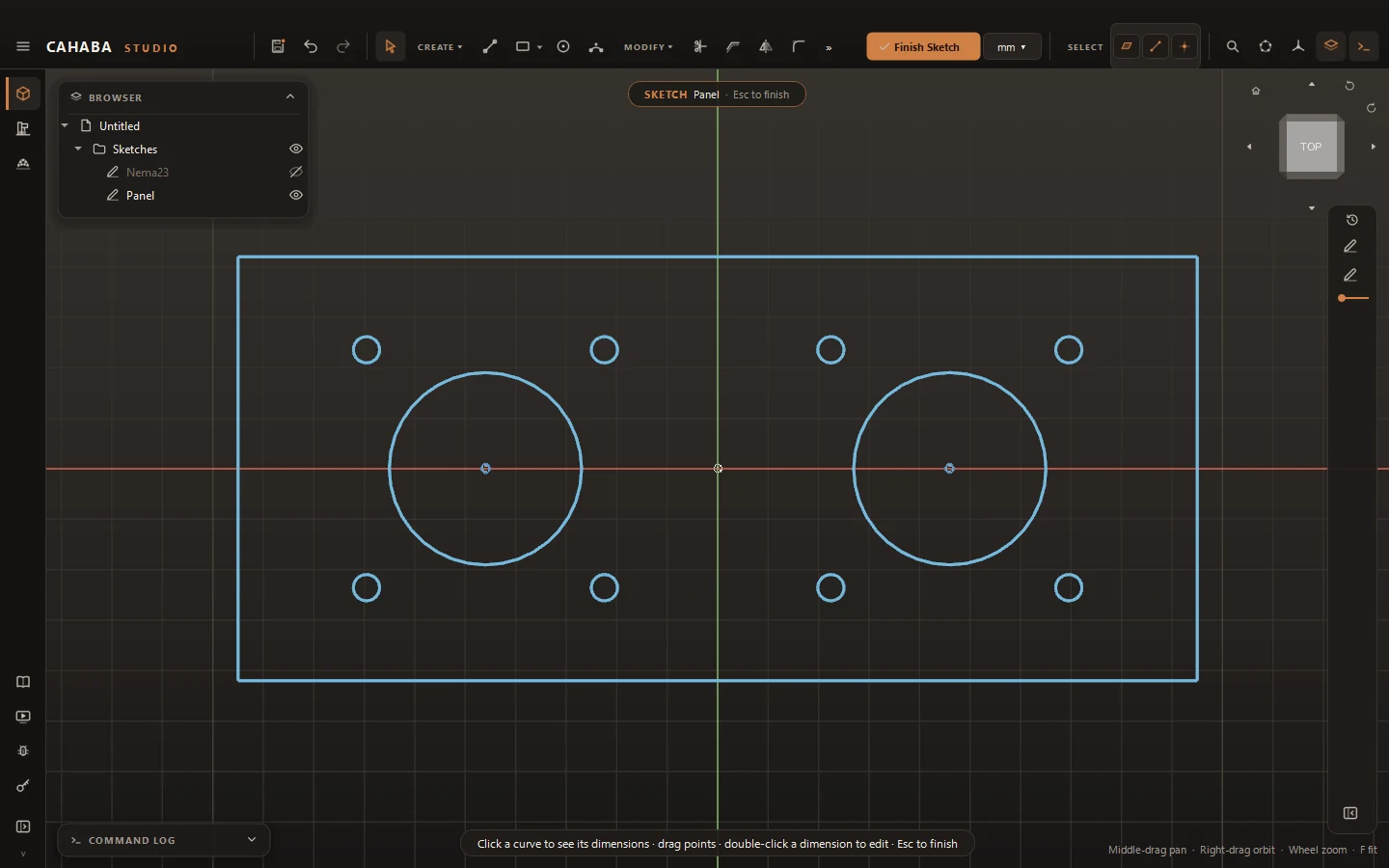
Footprints
Save a set of holes or a cutout with its dimensions and drop it into any sketch in one step.
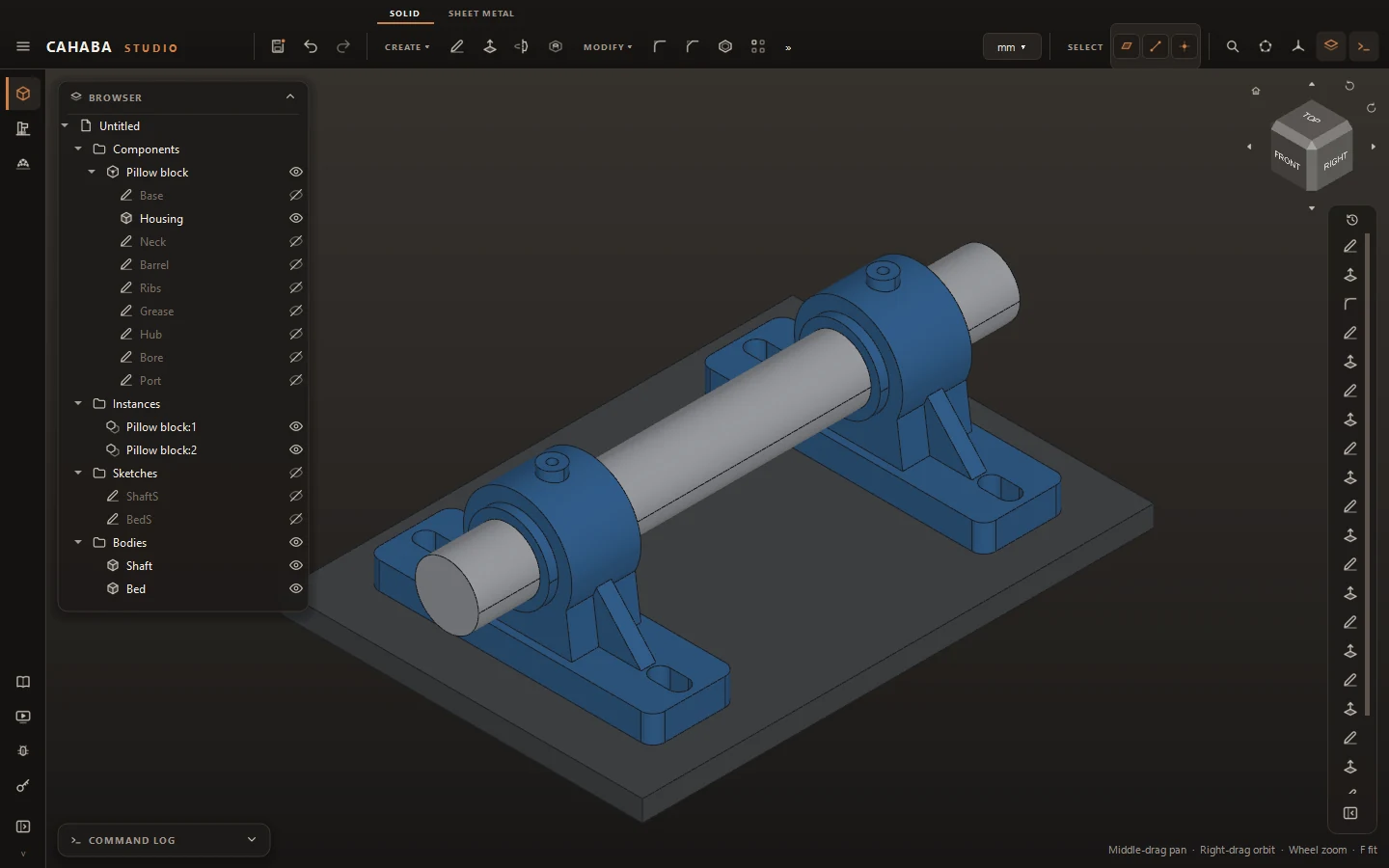
Components in context
Design parts inside the assembly, place instances, and link parts from other files.
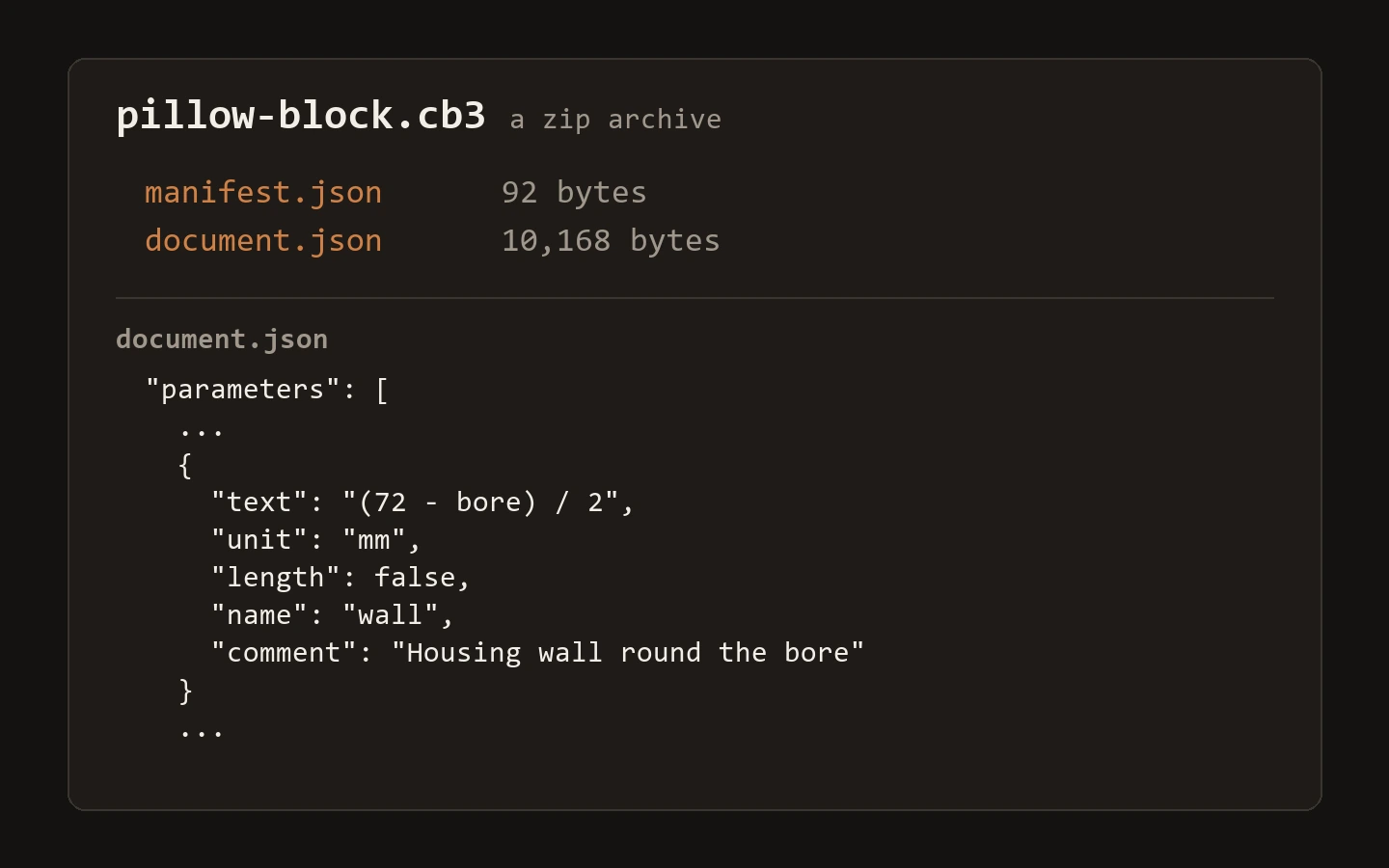
One file type
Everything is a .cb3 file: an open zip of JSON design intent plus geometry.
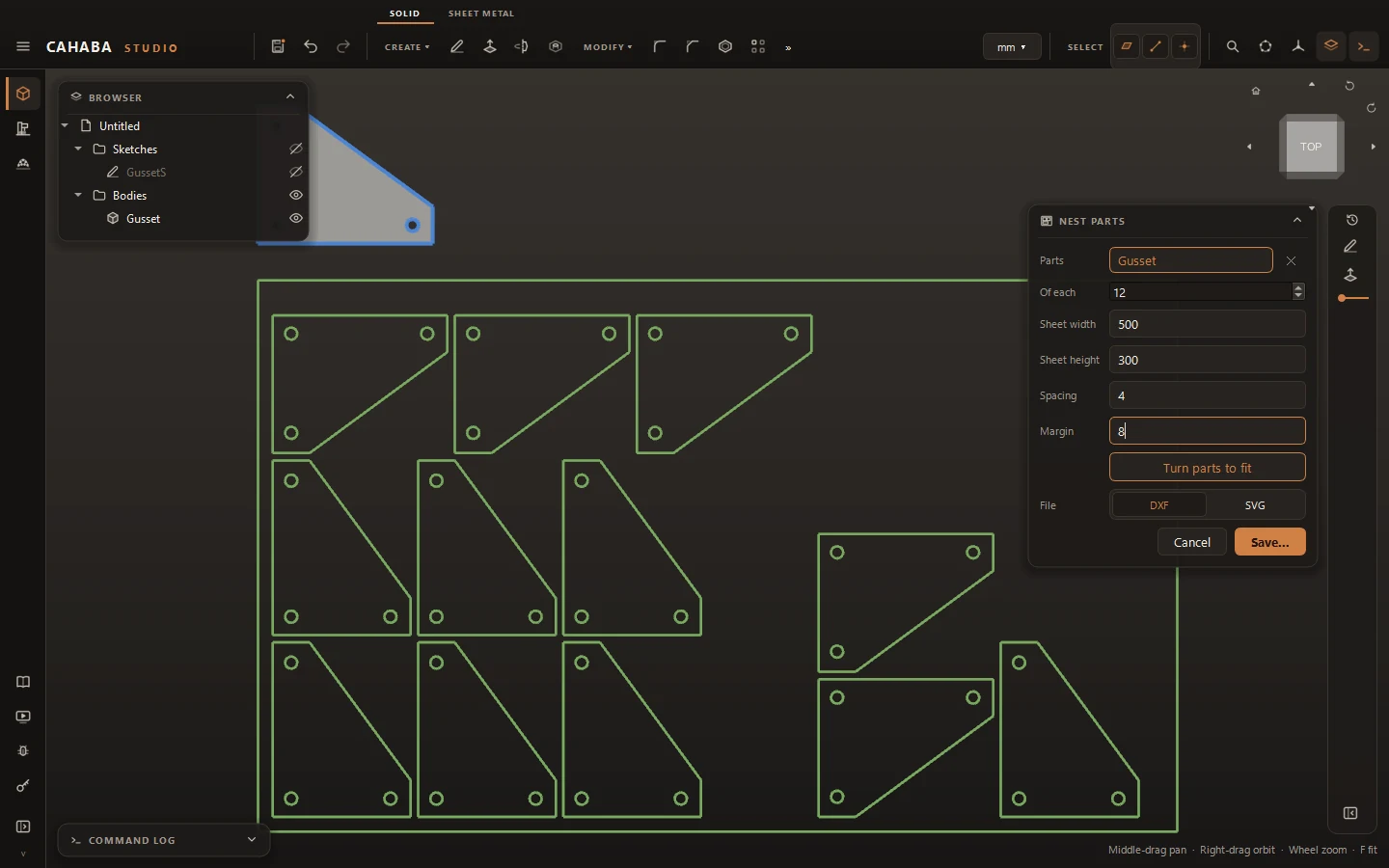
Flat parts and nesting
Get flat outlines of bodies with cut, inside and engrave layers, and nest them on sheets.
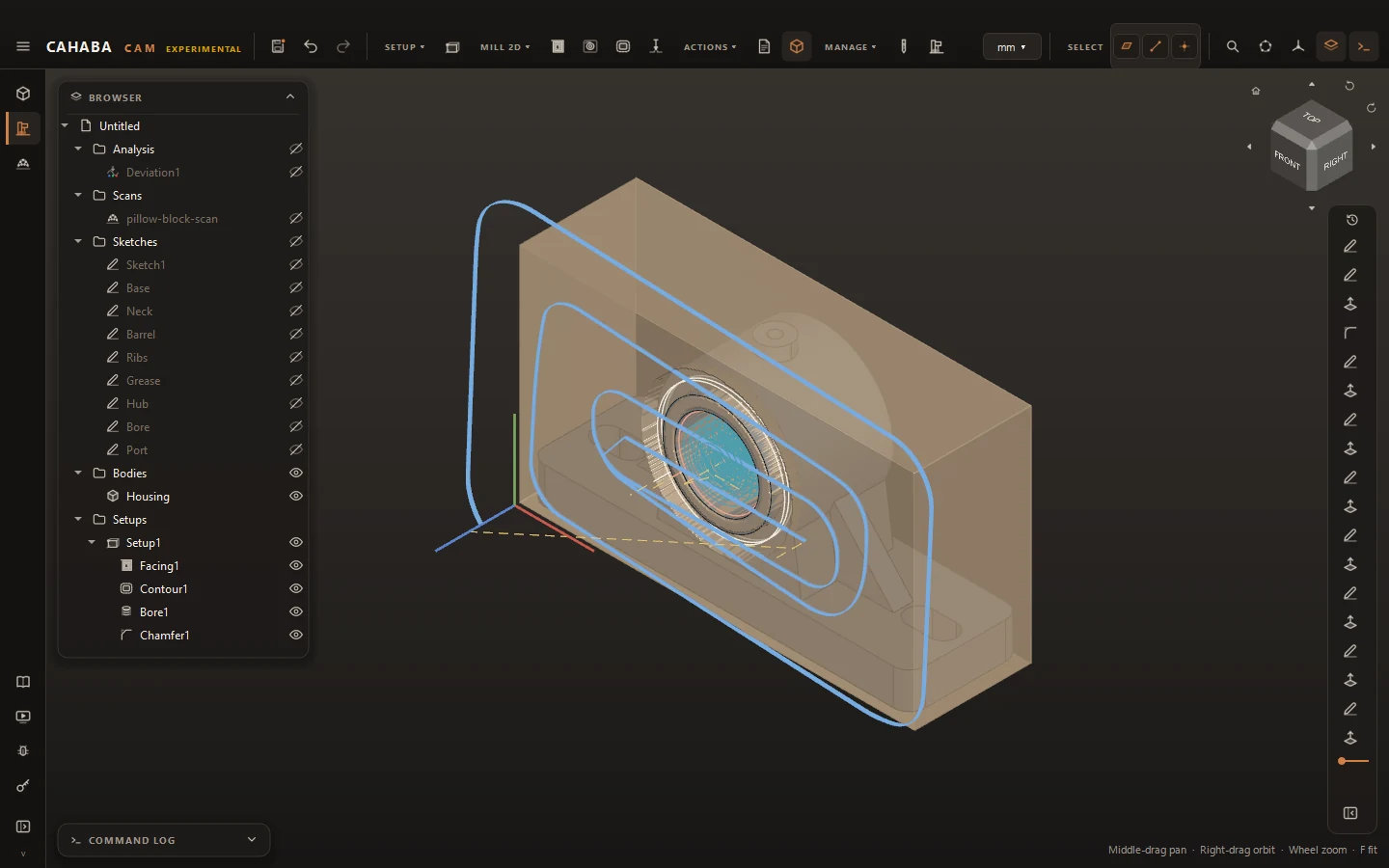
CAM (in development)
User-defined mills (up to 4 axes) and lathes, tool libraries with cutting presets, adaptive pockets and editable posts.
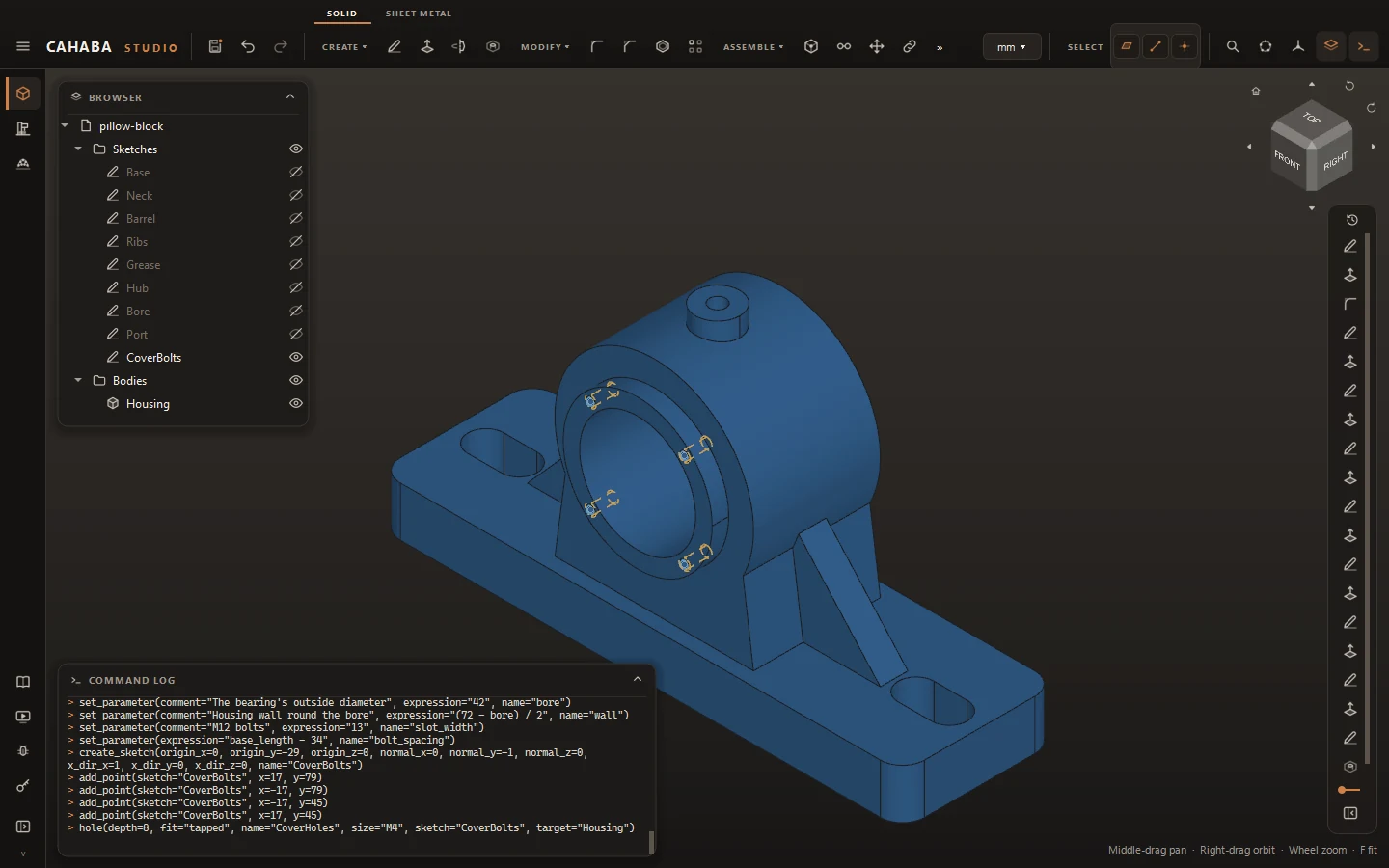
MCP server
Drive Cahaba Studio from Claude or any MCP client, live in your window or headless.